
Ports
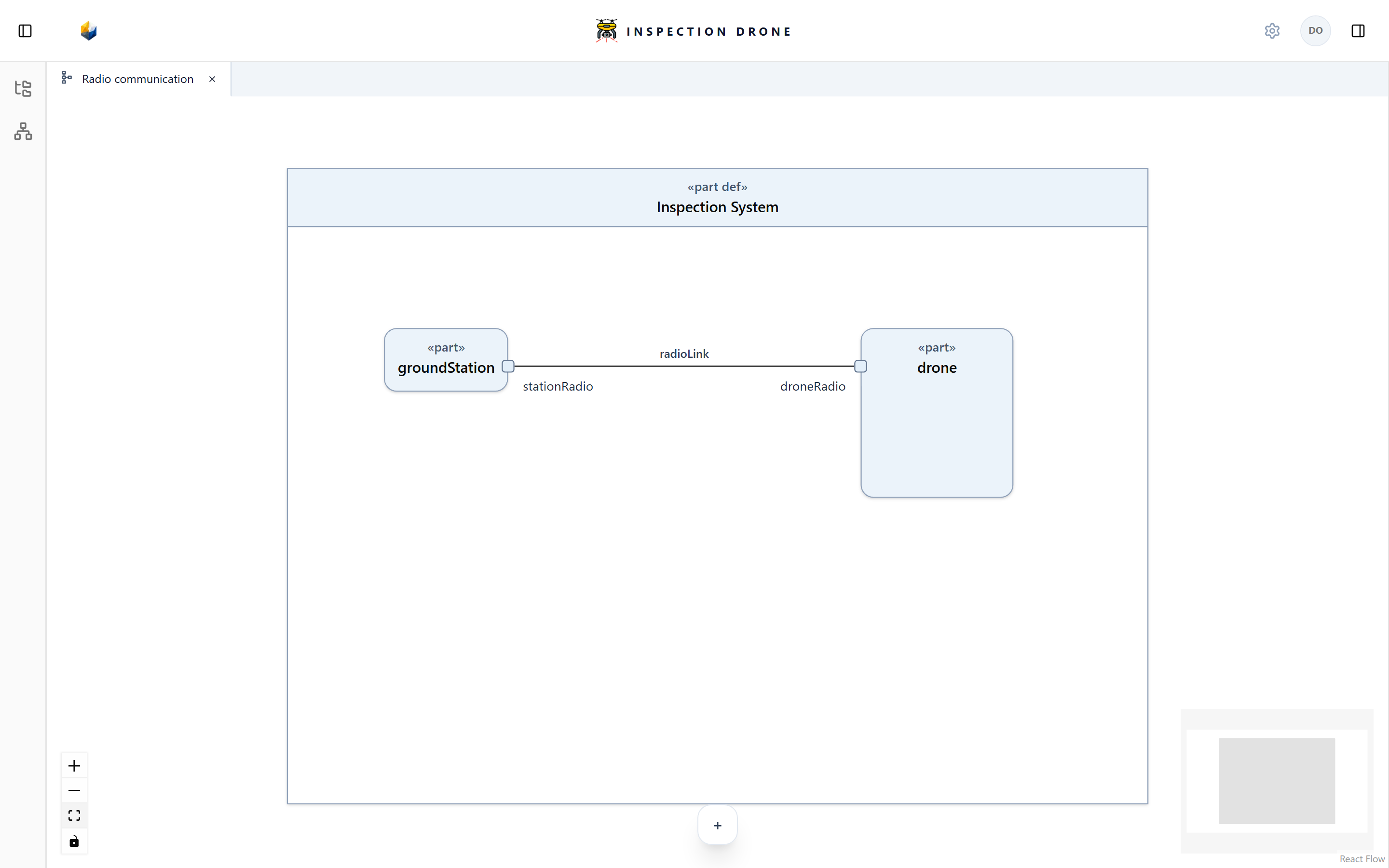
A port describes an interaction point owned by an element. Ports can be presented on a part’s boundary and related through interfaces.
What you need
Use an editable model with the parts that will own the interaction points. If necessary, create those parts first.
Add a port
- Open the owning part’s actions menu in the Model Browser.
- Choose Create Element → port.
- Enter a name describing the interaction point and press Enter.
- Select the port to inspect its owner and properties.
Check: the port appears beneath the intended part.
To reuse a port kind, create a port def in a package, then assign it through the port’s Set Definition control. Naming a port does not assign a definition.
If port is unavailable, check the selected owner and model editability. If a definition is absent from Set Definition, check that it is a compatible port definition.
Present and relate ports
Open an InterconnectionView for the containing system. Add the existing parts and present their ports on the appropriate boundaries.
Use the interface action to relate compatible ports. See Connections and interfaces. Creating a port alone does not create a link or specify a payload transfer.

